

Rapidly is the AI paraphrasing copilot that transforms how you write across the web

Highlight your text
Select the text you want your Copilot to focus on.
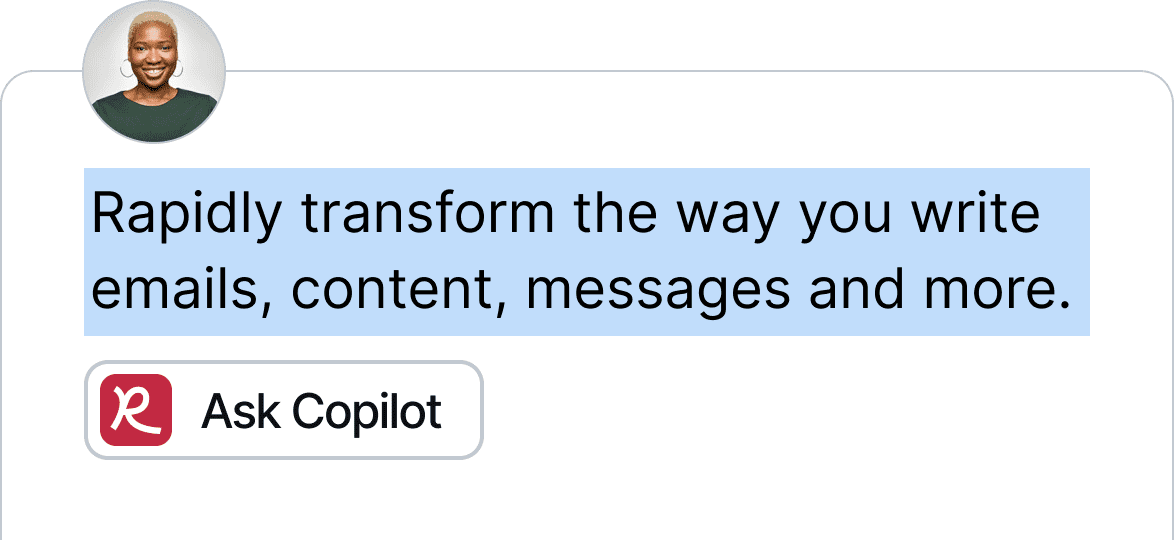

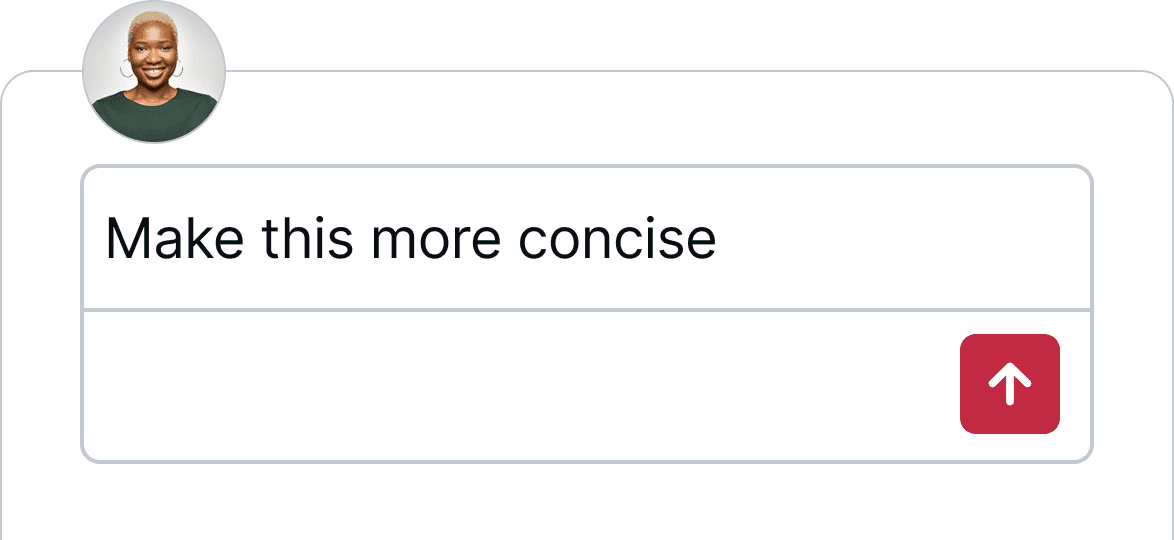
Ask your Copilot
Tell your Copilot what you need with a message.

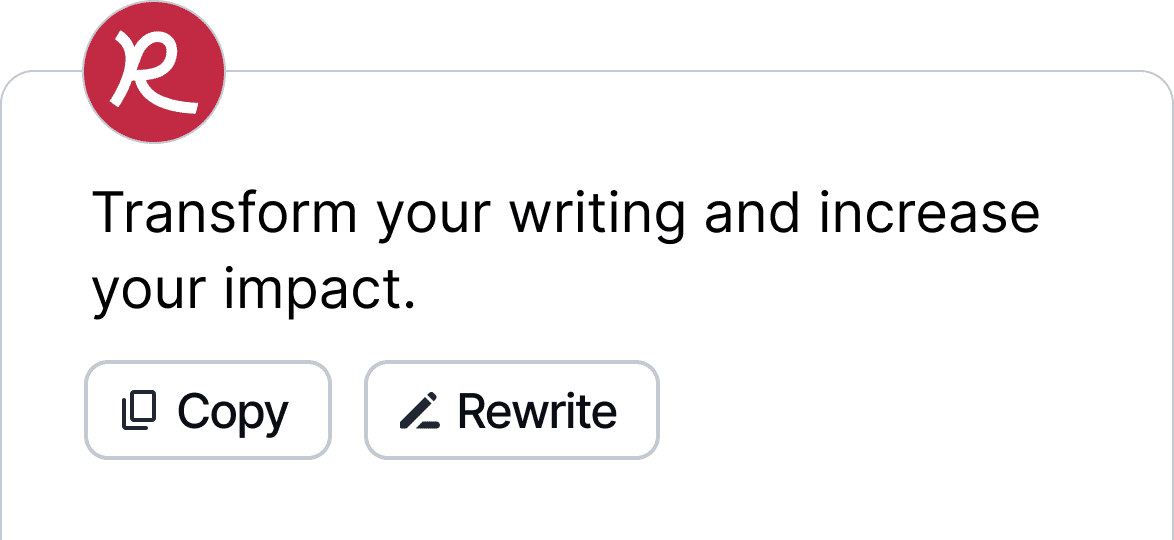
Transform your ideas
Watch as your ideas come to life, ready for you.
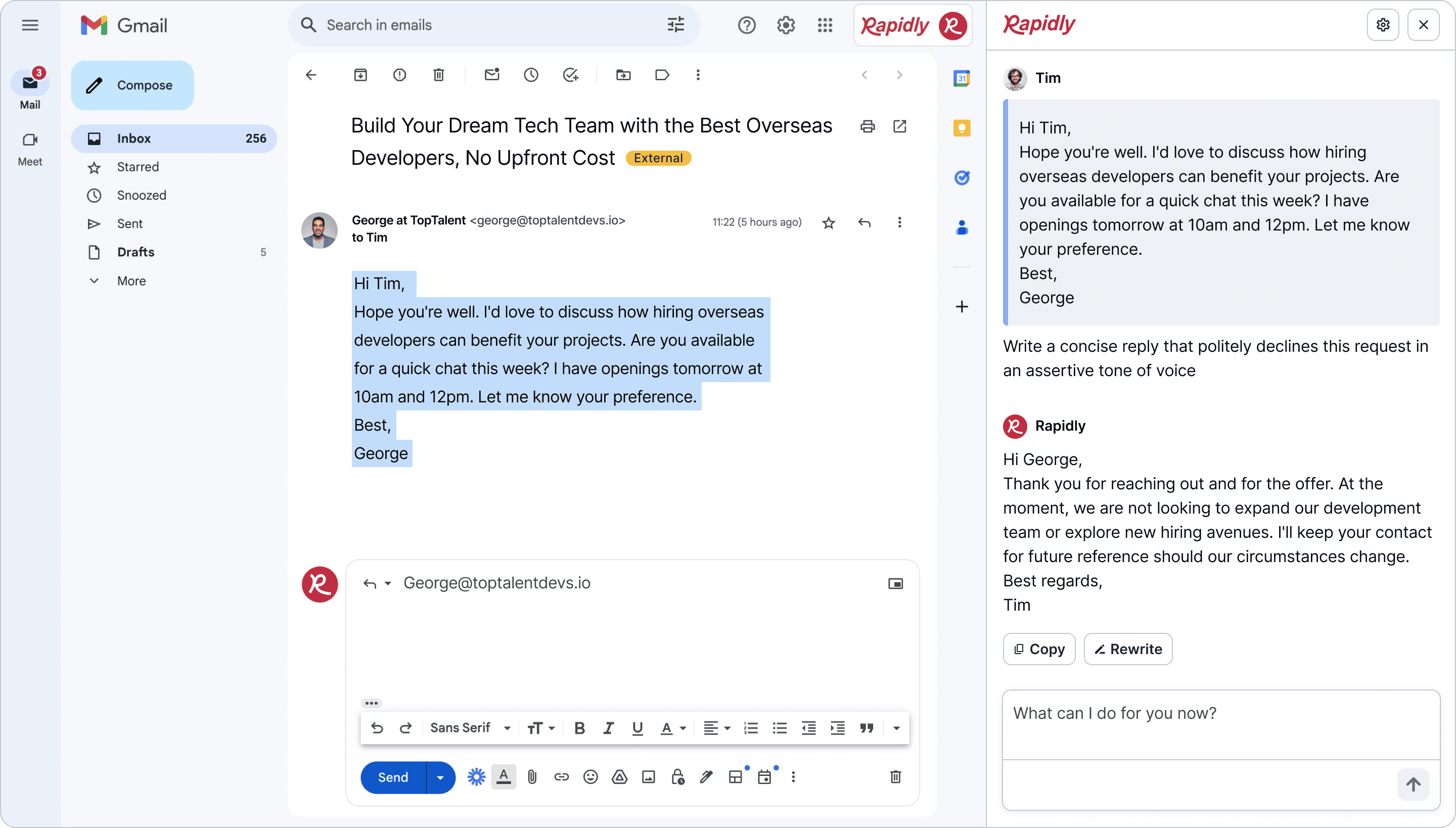

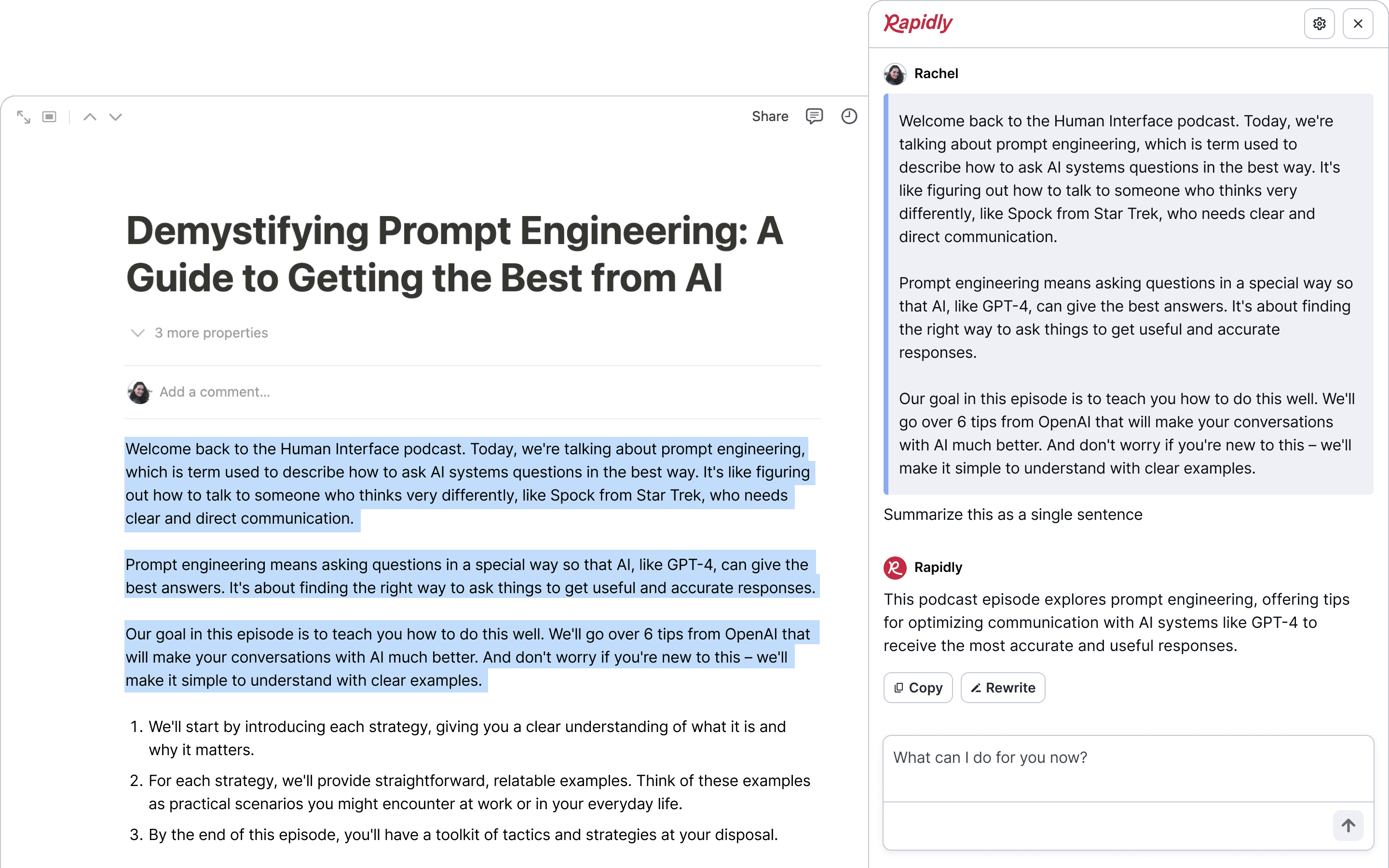
Summarize anything directly in your workspace
Simplify complex topics to be more reader-friendly, ensuring your ideas are conveyed clearly and inspire action.

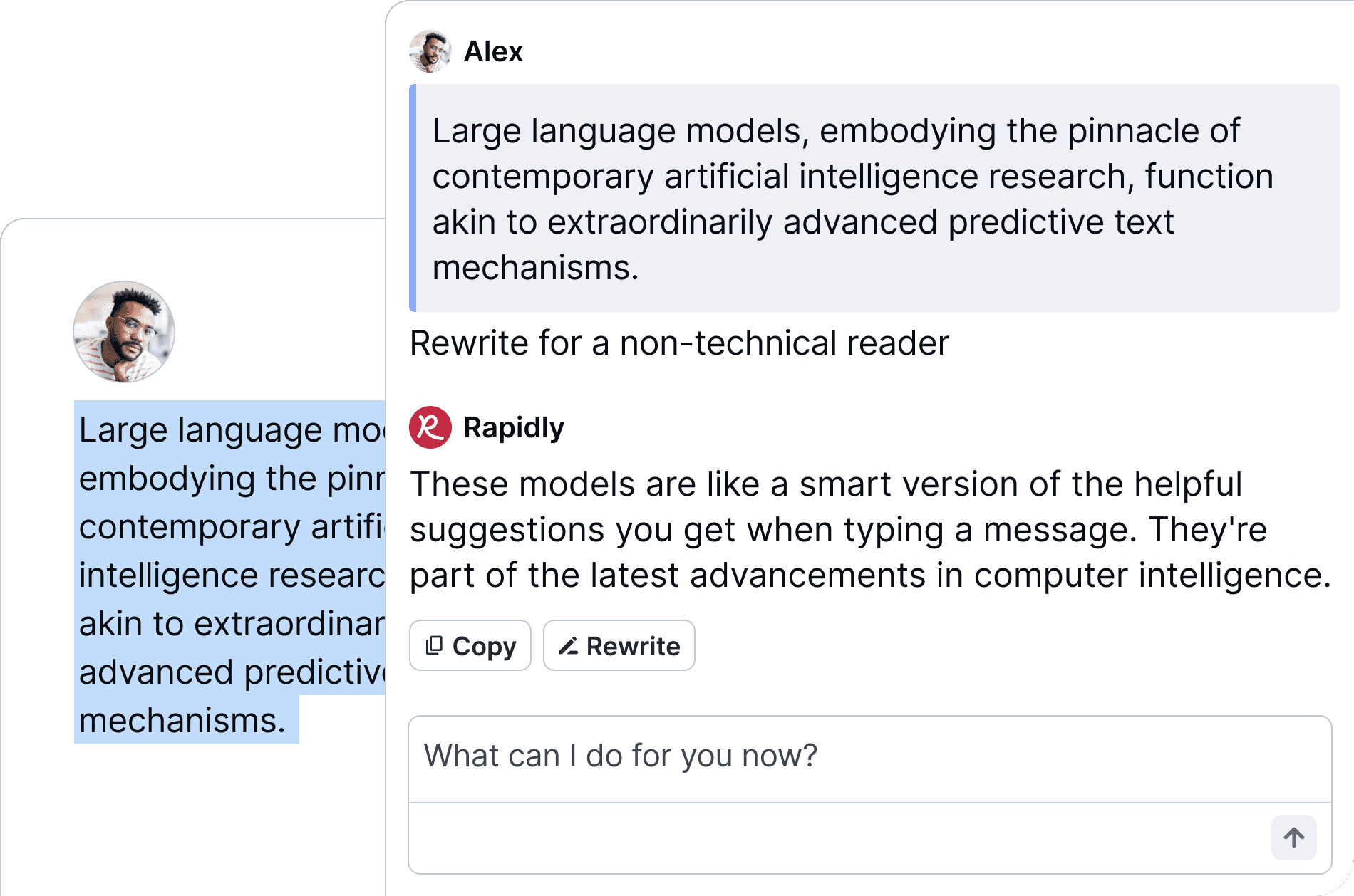
Rewrite sentences in seconds
Rephrase sentences faster, so you spend less time on editing your word choices and more time being creative.

Customize your tone of voice
Adjust your writing to match any desired tone, from assertive to diplomatic, ensuring you connect with your audience.


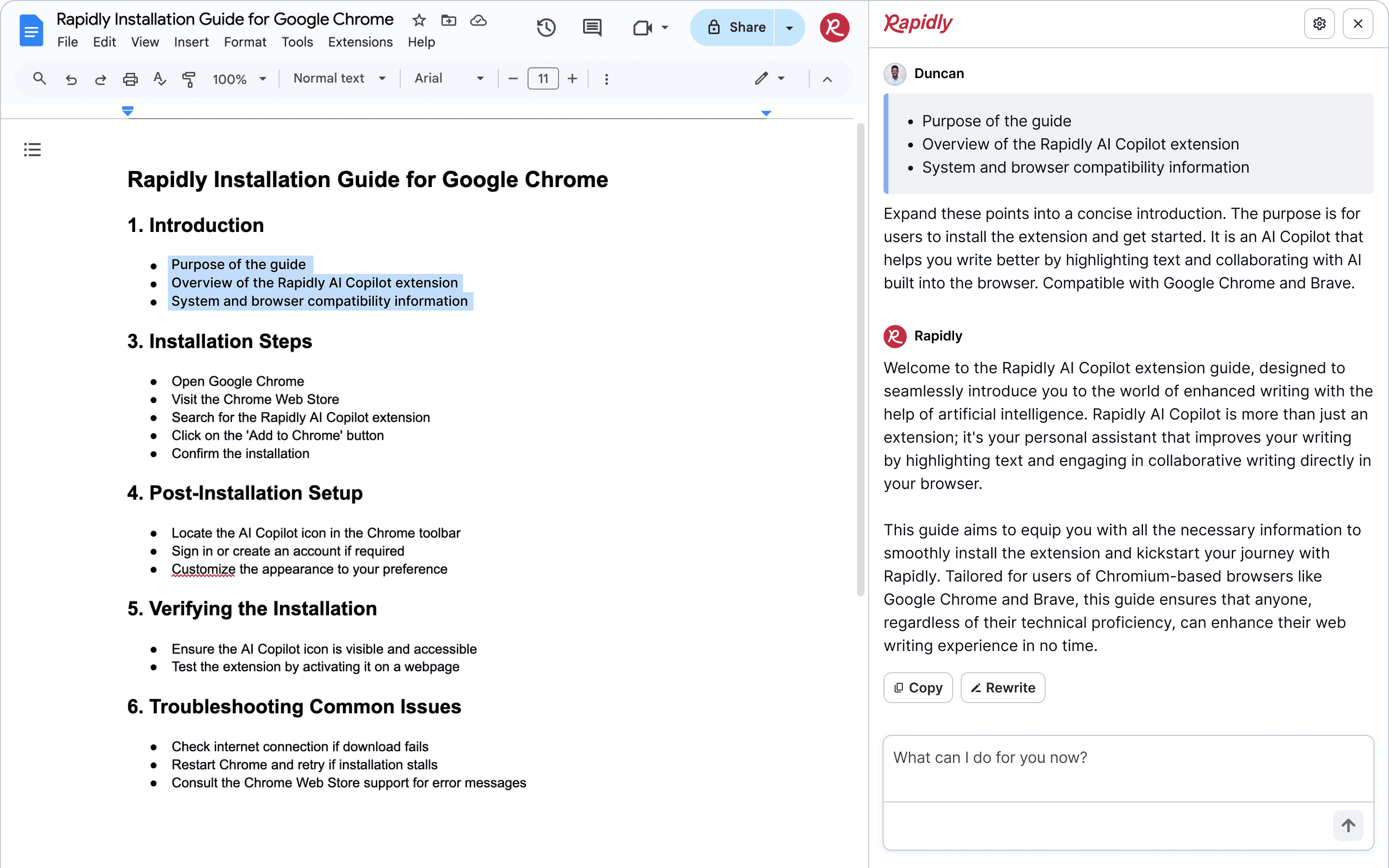
Outline and expand ideas at the same time
Let Rapidly take care of your first draft, transforming your bullet points into full paragraphs while you shape your document.

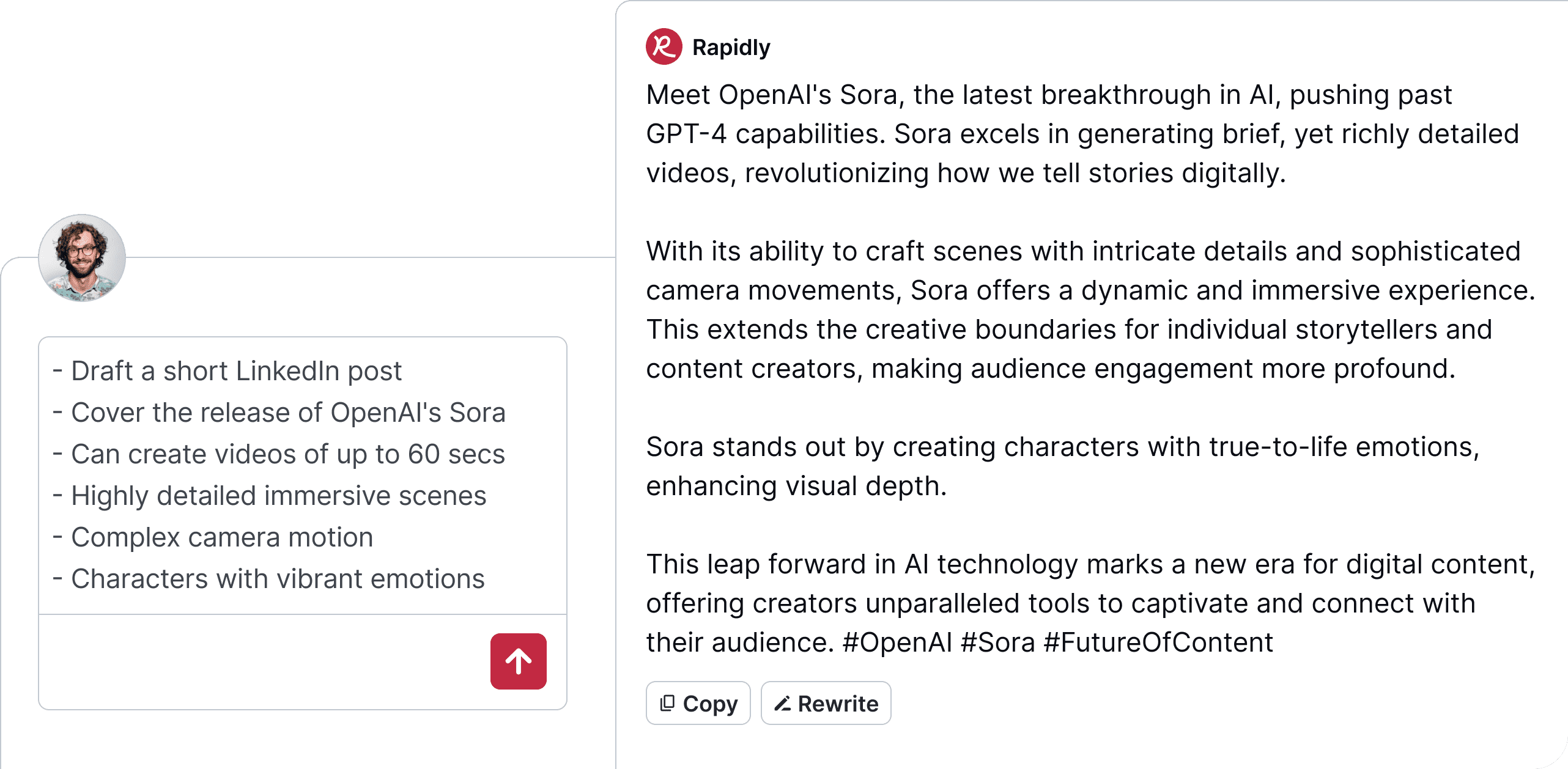
Create content from scratch
Whether it's for a social post, newsletter or ad copy, watch Rapidly brainstorm ideas ready to publish.

Edit with ease
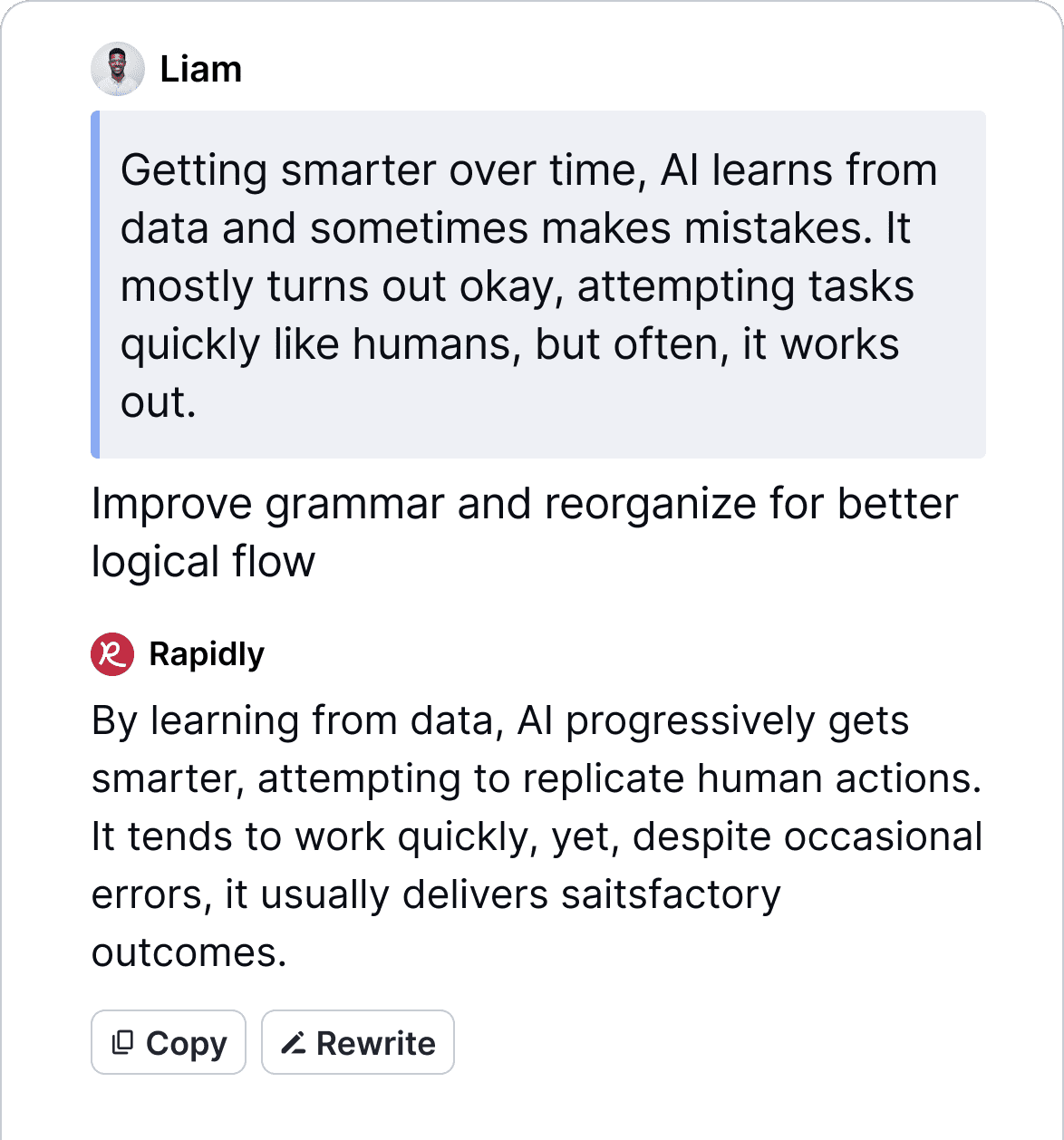
Improve grammar and organize information for better flow.

Create in Canva
Craft catchy copy right in Canva's visual suite.

Generate in Sheets
Clarify complex plans across your Google Sheets.

Write in Webflow
Update copy inside Webflow's CMS.

Communicate in Github
Write clearer issues and discussions for your team.

Publish to Facebook
Refine your Facebook posts right before sharing.

Post to X
Tweak tweets in your browser when you post.

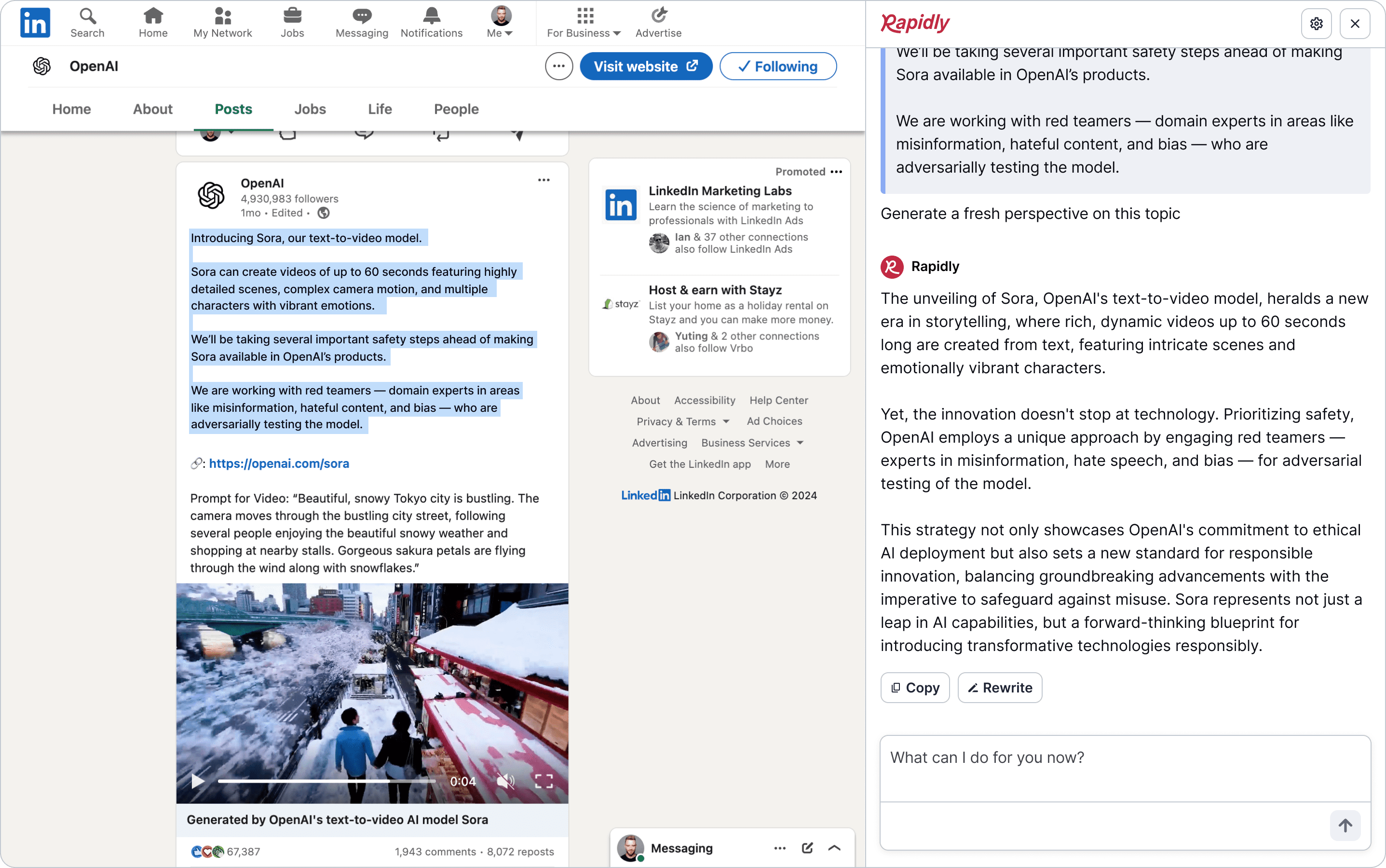
Rapidly transforms your browser into a powerful content assistant. Here's how:
To try Rapidly for free, sign up for our waitlist and join our beta testing program. Selected participants will experience the most advanced AI writing tools for a month, ideal for those starting their AI journey. Benefit from features like fast email replies, complex topic summaries, content rewriting, tone customization and more, all while using up to 512 words a day.
Rapidly is for busy people who do a lot at once. It makes writing and editing faster and easier, saving you hours every week. Whether you're managing a team, writing about complex topics in a simple way, or creating content for different audiences, Rapidly helps you do more in less time. It's built to be quick, easy to use, and flexible for many writing tasks.
Here are some examples of who it's for:
Rapidly and ChatGPT are both AI writing tools, but they serve different purposes and integrate into your workflow differently.
ChatGPT can generate a wide range of content from scratch, such as essays, emails, or creative stories, based on extensive training data. It's a standalone tool that you interact with through prompts to produce entirely new text based on your requests.
Rapidly, in contrast, not only generates new content but also refines and improves existing drafts directly in your favorite tools, websites, and apps. As a browser extension, it seamlessly integrates into your current workflow, offering features like tone adjustment, rewriting for clarity, and style customization without leaving the platform you’re working on. This makes Rapidly incredibly versatile for real-time content creation and enhancement across various platforms, including email, document editing, and social media management.
In summary, while ChatGPT is ideal for generating new content from specific prompts, Rapidly's AI Copiot excels at creating and enhancing content within your existing digital workspaces, making it a highly flexible companion for integrated writing assistance.
Rapidly is a proudly bootstrapped company, founded by Mike Rowe and Ali El Ali. We are an independent company that is self-funded. Instead of raising money, we use the money from subscriptions to grow and run a profitable business. This lets us make our own decisions and grow at a pace that's right for our users and for us.
Your privacy matters to us. We never sell your information to advertisers or data brokers and adhere to strict security measures to protect your data. We partner only with trusted companies to improve Rapidly for you.
Rapidly enhances your writing by using OpenAI's API. To do so, we send all text securely to OpenAI's servers for processing under the strictest security rules.
For secure payments, we use Stripe for all our paid plans. Your credit card information is safe with Stripe. We don’t store these details ourselves, relying on Stripe's robust security practices.
